What do Roblox script safety guides cover?#
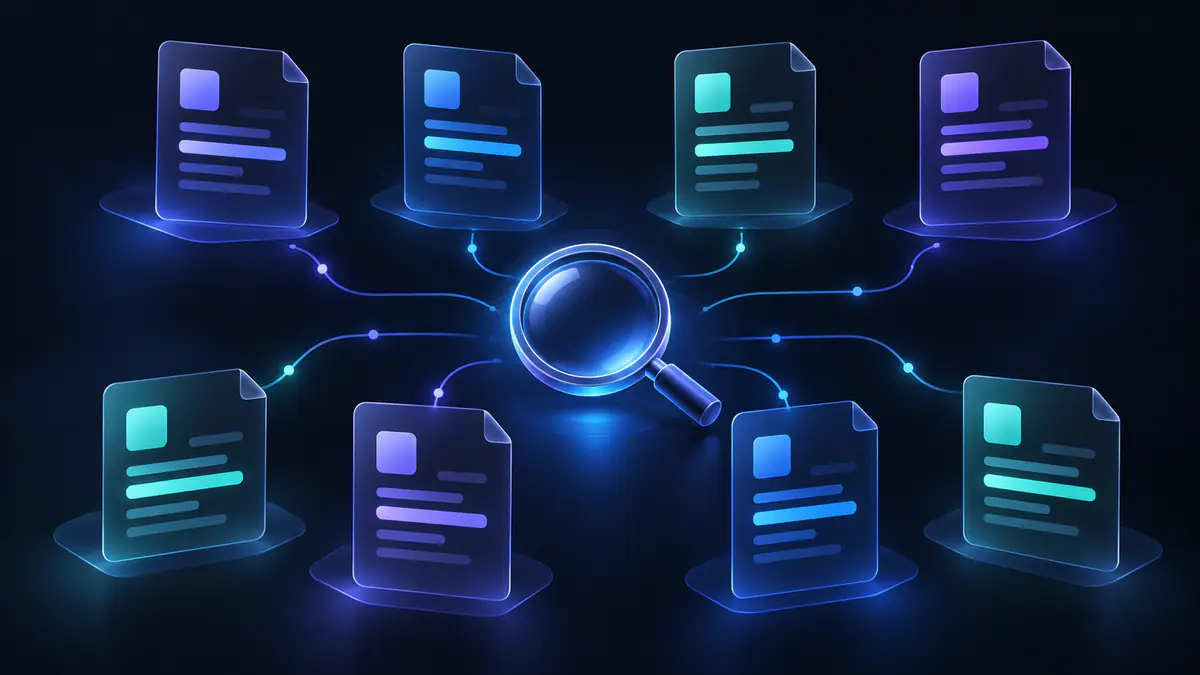
The redzhub.dev guide directory helps you assess a script offer, trace its source and understand the evidence beside a listing. The eight guides cover separate questions: who published the code, how much of it can be read, what access it asks for and what Roblox’s rules mean for your account.
We fetch loader targets as text and never run them, so a status is not proof a script works. A source link shows where a file or claim came from. A text check shows what was available on a particular date. Neither gives permission to exploit an experience.
A useful first step is to name the claim you want to check. “Who uploaded this?” needs a different guide from “Why is this code unreadable?” The table below sends you to the relevant topic without requiring you to read the whole directory first.
Where should you start?#
The best starting point is the question you cannot yet answer. Start with the risk overview if you are new to script listings; go straight to a specific topic if a source link, key request or download has raised a concern.
| Question in front of you | First topic | What to establish before continuing |
|---|---|---|
| A listing makes broad promises | Script risk overview | Which statements are claims and which have evidence |
| A repository is presented as the source | Source verification | Who published the file and what the attribution supports |
| A page asks for an additional program | Executors explained | How the request differs from Studio development |
| A claim concerns account consequences | Account bans and exploits | What Roblox says about exploiting |
| A download page requests personal information | Fake download sites | Why the request deserves scrutiny |
| A listing mentions a key | Key systems | Whether the requirement is claimed, detected or unknown |
| The fetched file cannot be read meaningfully | Obfuscated scripts | Which behavior remains uninspectable |
| A short line points to another file | Remote loaders | Which target the line references |
More than one row may fit the same listing. For example, a familiar repository name and an unreadable target raise two separate questions. Read the source guide to check attribution, then the obfuscation guide to understand the visibility limit. Keep both answers rather than letting one stand in for the other.
Script risk overview#
The Roblox script risk guide helps you weigh an offer before a title or copy button persuades you. Start here to separate uploader promises, our text-check findings and the possible consequences for your account or device.
Our checks fetch loader targets as text and never run scripts; the resulting status cannot prove a script works. Static screening is not a security audit. A readable file with no red-flag patterns found by our scan has a different status from a protected target that merely returned a response.
Risk also includes the rules of the platform. Using third-party scripts through executors violates Roblox’s Terms of Use and can lead to account bans. A parent can use this overview to discuss the offer itself before getting into code. For a claim about who made the script, move on to source verification.
How can you verify a script source?#
Source verification starts with the publisher and the exact file, rather than the hub name in a listing title. The script source verification guide explains how to connect a listing to the source it names.
Compare the uploader’s identity, the linked repository owner and the file path. Keep each role separate: the person reposting a loader may not be the person maintaining its target. A repository link needs to support the particular attribution being made, rather than merely contain a familiar name.
For example, “the uploader says this comes from a developer” and “the developer publishes this file” are different statements. Preserve that distinction when discussing a listing with someone else. Once the source question is clear, check what any request for an additional program means.
Executors and Studio scripting#
Executor offers and Roblox Studio development need different reading paths. The Roblox script executors explanation explains third-party execution terminology so you can understand what a download page is asking you to install.
Start by identifying the task: building an experience in Studio, or using a third-party script inside an experience. Both may be described casually as “Roblox scripting,” which makes the wording alone a poor guide. An executor claim does not change the account rules that apply to exploiting.
For a parent reading a download request, the useful question is what the program is being offered to do. For an aspiring developer, the useful question is where code belongs in a Studio project. The final section points to Roblox’s development reference; the next guide addresses account consequences.
What does Roblox say about account bans?#
Roblox says exploiting violates its Terms of Use and can lead to account deletion. The account bans and exploits guide explains the account-rules question before you weigh an uploader’s promises.
Roblox Support’s cheating and exploiting guidance is the primary reference for that warning. A listing status, an HTTP response or a named repository cannot establish permission to exploit. Claims about account consequences need to be checked against Roblox’s guidance, regardless of who posted them.
Keep account enforcement separate from download security when discussing an offer. A file’s accessibility answers neither question. If an account problem has already happened, Roblox’s support process is the relevant next step. If a page is asking for downloads or personal information, read the fake-download guide next.
Fake script download sites#
A script offer that turns into a request for another download or personal information needs scrutiny. The fake script download sites guide helps you assess that request before following the page’s instructions.
Roblox Support warns that exploit scams can distribute malware used to steal information, including passwords. That general warning does not establish that every individual link is malicious. Assess the specific request: what information or file does the page want, and how does that relate to what it originally offered?
A parent and player can read the request together without opening the code. Write down what the page asks for, rather than summarizing the whole offer as just “a script.” If the requirement is a key, the next guide explains how to read that claim.
Script key systems#
A key requirement can be an uploader claim, a detected code marker or an unknown. The Roblox script key systems guide explains those distinctions so you can read the listing accurately.
Check who is making the statement. “The uploader says no key is needed” attributes a promise to its source; a detected key-system marker describes something found in the fetched text. Neither should silently replace the other in your understanding of the listing.
An unknown requirement should stay unknown. Absence of a detected marker does not establish that there is no key requirement, especially when the code cannot be inspected meaningfully. Keep the access question separate from account rules and code behavior. The obfuscation guide explains why visibility matters to that assessment.
Why does obfuscation limit inspection?#
Obfuscation can leave a fetched file unreadable for meaningful inspection. The obfuscated Roblox scripts guide explains why receiving text is different from being able to assess what that text does.
A protected target can be reachable while its behavior remains unresolved. The status “loader reachable” describes that limited result. “Statically screened” describes readable text in which our static scan found no red-flag patterns. Avoid treating those labels as interchangeable when comparing entries.
Unreadable code also does not prove a particular harmful action. The accurate conclusion is that inspection is limited, rather than a guessed account of what the hidden code does. Check which part of the fetched chain is obscured: a readable entry line may still lead to an unreadable target. Remote loaders are the next piece of that chain.
Remote loaders and fetched targets#
A remote loader points to content elsewhere, so the visible line is only part of what needs checking. The remote loaders explanation separates that entry line from the file at its target.
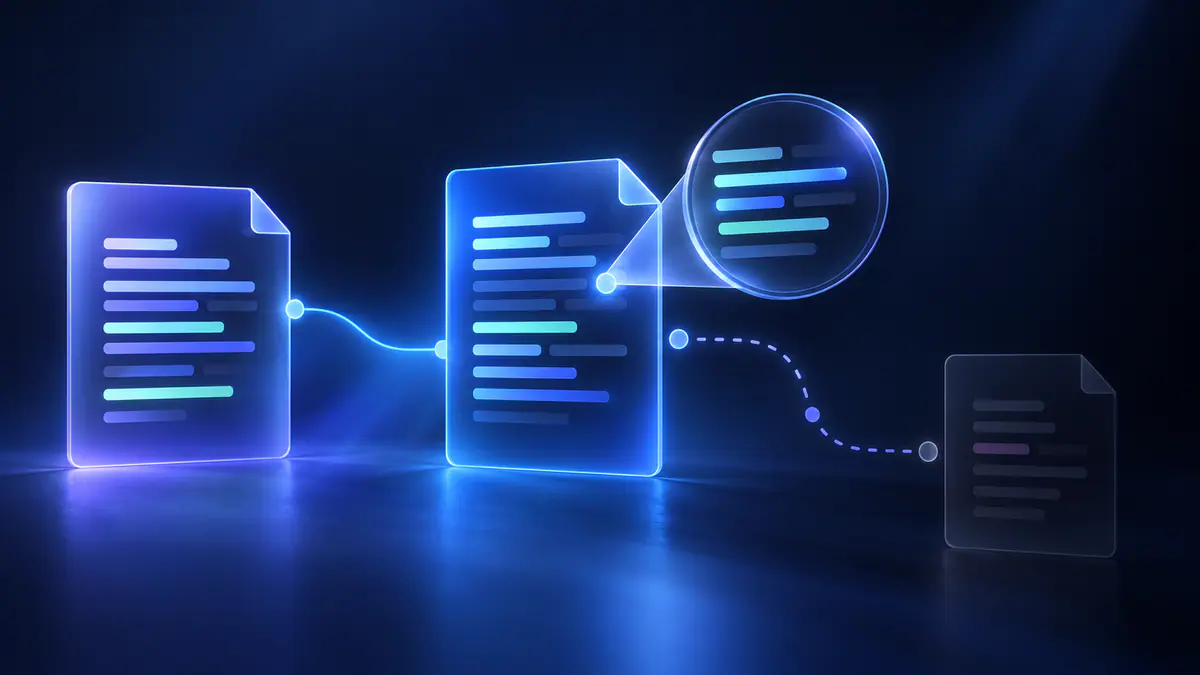
Check the referenced address and the date of the observation. A nested loader can point onward to another file; reading the first line alone does not account for that chain. Keep the original loader, its target and any further references distinct when interpreting a check.
A remote target can also change after an observation. An earlier result describes the content available then, rather than every future response from that address. When comparing two listings or discussing an old result, ask whether they concern the same target at the same time. The final step is to keep a clear record of each claim and observation.
Reading evidence after choosing a guide#
The Roblox script safety guides help you turn a listing into specific questions you can check. Keep the publisher’s words, the observed result and the unanswered questions separate when comparing entries or discussing an offer with a parent.
A practical review uses three short entries:
- Record the publisher or uploader’s claim and who made it.
- Record the observed text-check result, its target and its date.
- Record what remains unknown, including runtime behavior that was never observed.
For example, a reachable response belongs in the second entry; an uploader’s feature promise belongs in the first. Keeping those apart makes it easier to spot a conclusion that goes beyond the evidence. A later change to the target calls for a fresh observation.
Learning how Roblox scripts work in a development context starts with Roblox’s own documentation. Roblox Creator Hub’s script types and locations reference covers Script, LocalScript and ModuleScript, including location and run context. Use that reference for Studio development and this directory to understand script listings. The FAQ below covers editorial independence and where to turn for account support.