
Roblox script safety starts with separate risk questions#
Roblox script safety involves four separate checks: platform rules, account access, device security, and the code a loader retrieves. Readable code can still violate Roblox rules. A download can threaten your device before any script reaches Roblox. We fetch loaders as text and never run them, so a status is not proof a script works.
Roblox Studio scripting is a development activity; third-party exploit scripts and executors are a different context. Roblox’s Cheating and Exploiting guidance prohibits cheating and exploiting and warns that exploit downloads can contain credential-stealing software. Using third-party scripts or executors to exploit experiences breaks Roblox rules and can lead to account bans.
redzhub.dev is an independent index, separate from the Redz Hub developers. A listing cannot grant permission on Roblox’s behalf or certify security. In the risk table below, remember that we fetch loaders as text and never run them: a status is not proof a script works. Check each possible harm on its own terms.
| Risk | What the concern means | What a text fetch cannot establish |
|---|---|---|
| Account sanctions | Exploiting can result in action against the Roblox account | Permission to use an exploit or a predicted enforcement outcome |
| Credential or cookie theft | Someone obtains information used to access an account | The security of the browser, device, or surrounding download flow |
| Device compromise | A disguised installer or executable contains malicious software | The behavior of a separate downloaded program |
| Unwanted spending | A misleading request pressures the user to approve a purchase | Whether a future interaction will present a deceptive prompt |
| Changing remote code | A loader retrieves content that can be replaced later | The contents of future responses from the same URL |
Start with the account-rules question: a file does not need to contain malware for its use to put your account at risk.
Can an exploit cause a ban without containing malware?#
An exploit can violate Roblox rules without stealing credentials or installing malware. Malware screening and platform compliance answer different questions, so a report that finds no suspicious text does not remove account-sanction risk.
Roblox’s Community Standards and Terms of Use govern conduct and account access. The Terms allow suspension or termination for violations. No static label on redzhub.dev predicts whether, when, or how Roblox or an experience developer will enforce a rule.
A demonstration without an immediate ban is not permission to exploit. A video can show a feature appearing on screen without establishing the uploader’s source, the download’s contents, or the later account outcome. A comment saying “nothing happened to my account” cannot predict what will happen to yours.
Readers researching enforcement can use our guide to account bans and exploits for the policy distinction. No claim about avoiding detection changes the underlying rules. Account theft and deceptive downloads need separate checks.
How do credential and cookie theft happen?#
Account theft can begin with a fake login, a request for authentication information, or malicious downloaded software. Roblox’s account-protection guidance tells users not to share passwords, cookies, two-step verification codes, or backup codes. A script-related claim does not justify handing over any of those secrets.
The .ROBLOSECURITY cookie is private authentication information, just like the other secrets used to access your account. Do not copy its value into a script, website, chat message, support report, or purported verification form. Recognizing the cookie’s name is useful for spotting a suspicious request; locating or extracting its value is unnecessary for evaluating a script listing.
A page asking for browser data to confirm ownership is asking for something different from a public Roblox username. A username identifies an account; passwords, cookies, and verification codes are authentication material. Look at what a form asks you to share. Calling a request a repair, identity check, or activation step does not justify asking for account secrets.
Credential theft also does not require a visible login form. Roblox warns that exploit downloads can carry keyloggers or phishing software. Keeping your password out of a download page is only one precaution. A downloaded executable may pose its own account risk. Check the browser page, the downloaded software, and any login request separately.
A useful rule of thumb is to stop when a script-related instruction asks for account secrets or browser-session data. A feature demonstration gives you no reason to disclose them. When reviewing source text, also look at what information leaves the script and where it goes.
Discord webhooks and outbound data#
A Discord-webhook pattern is a reason to examine what data a script sends and why. A visible destination alone does not prove credential theft: the evidence would need to connect sensitive data to an outbound request. Conversely, an absence of the word “webhook” does not establish that no information leaves the environment.
Our static screen looks for webhook and cookie patterns. Those checks identify text requiring attention; they do not reconstruct every possible data flow. Encoded destinations, dynamically assembled strings, or unreadable downstream code can prevent a simple pattern search from revealing the full behavior.
A filename is not a behavioral finding either. Our 26 October 2026 check found an obfuscated Redz Hub file named Utils/BloxFruits/Webhooks.lua; its name does not establish what the file transmits. Accusing that file of credential theft would exceed the evidence. We could not inspect its contents at that check.
Readers should distinguish an observed suspicious pattern, a demonstrated transfer, and an unresolved question. That same discipline applies to the download pages surrounding a loader.
Fake downloads and purchase-prompt scams#
An executable advertised as a script introduces a separate software-installation risk. A .exe is a program download, rather than a readable Luau text listing. Roblox’s cheating guidance warns specifically about malicious exploit downloads; a familiar hub name on an installer is not evidence about that installer’s contents.
Fake script-download or executor repositories are a malware lure identified in our Redz Hub research. That observation supports caution about the pattern, not an accusation against every repository using a similar name. Do not run a downloaded program to find out whether its claimed association is real, and do not disable device protections because a download page requests it.
Download buttons can also lead away from the source a reader intended to inspect. A repository page, a search advertisement, an uploader’s description, and a redirected installer are different artifacts. Before following a button, compare its destination with the source you meant to read. A familiar repository name does not vouch for an installer reached through an advertisement. Our fake script download site guide expands on evaluating those mismatched destinations.
Purchase-prompt scams involve another boundary: a request to spend currency is a transaction decision, even when surrounding text calls it activation or verification. Decline an unexpected purchase request and inspect what is being offered through Roblox’s own interface. A promise of an unrelated script feature does not establish the value, ownership, or necessity of a purchase.
The Terms describe spending Robux as acquiring content through Roblox’s services and explain purchase limitations. No script index can promise refunds or recovery for a misleading purchase. Preserve the transaction details if an unwanted purchase has occurred, and use Roblox Support rather than a person offering paid recovery in a message.
Avoid assuming that every suspicious interaction has the same cause. A fake installer, a phishing form, and a misleading purchase request require different evidence. Remote code adds a further problem: the reviewed content can change after the review.
Why can a remote loader change after review?#
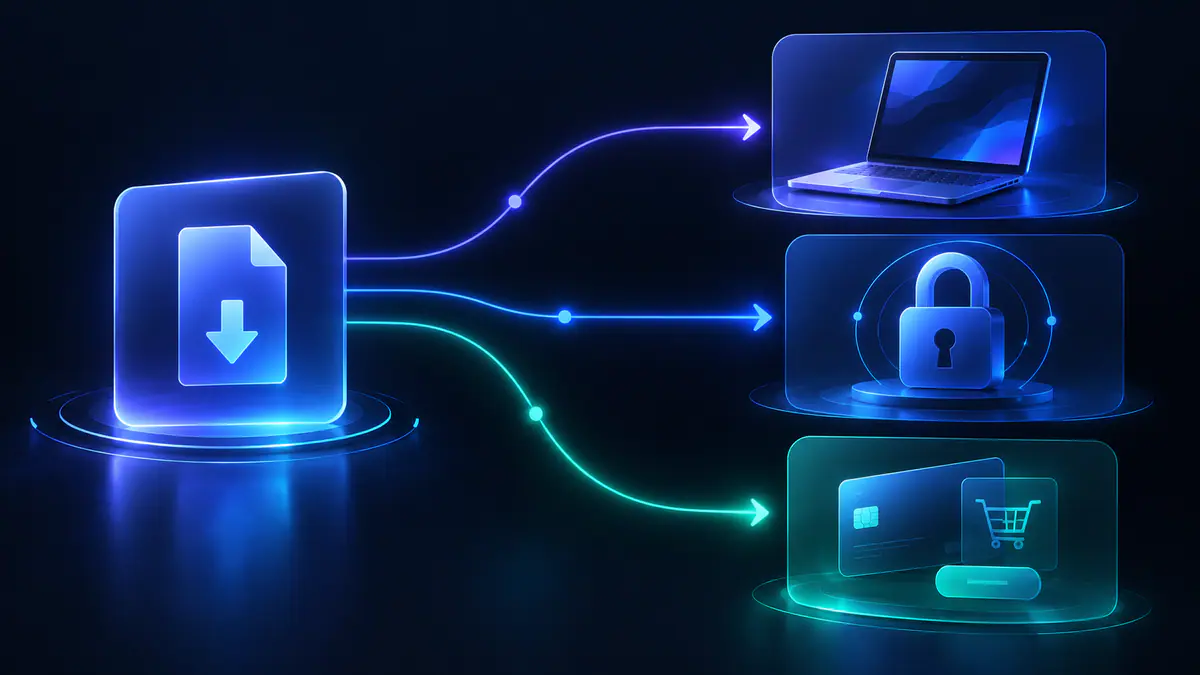
A remote loader retrieves code from another location, so the copied loader line is not the complete program being assessed. The retrieved file can change while the line remains identical. A dated inspection describes the fetched text, rather than every future response from that URL.
Nested loaders extend that problem. A first file may choose another file based on a game, setting, or other condition; a second file may retrieve another dependency. Reading the initial loader can reveal routing without revealing the behavior of every destination. A check that stops at the first readable response leaves the rest of the chain unresolved.
Our 26 October 2026 check found a concrete example in the tlredz/Scripts repository. The fetched tlredz/Scripts main loader was readable, returned HTTP 200, and measured 3,106 bytes. Its routing referenced Blox Fruits and Meme Sea files. The Blox Fruits file at that check was empty, while the Meme Sea file measured 814,514 bytes and was obfuscated.
The three files tell different stories. HTTP 200 showed that the main loader’s target responded, and readable text let us inspect its routing. The Meme Sea build remained unreadable. The empty Blox Fruits target gave us no game-script body to assess. Checking the router alone would have missed both limits.
The remote-loader explanation covers the distinction between a loader and its dependencies. For this guide, the decision rule is narrower: a claim about a reviewed file must identify which file and when. Code visibility is the next condition to assess.
Obfuscation limits the review#
Obfuscation makes source behavior harder to inspect. An unreadable build is an evidence limitation, not proof of malware and not evidence that harmful behavior is absent. Treat unreadable behavior as unknown. A download button or successful response cannot tell you what that code does.
The Redz example also shows why file size cannot substitute for understanding. An empty file, a short router, and a large obfuscated build require different descriptions. Recording the byte count tells you what we fetched. Our checks establish no file-size threshold that makes a download trustworthy.
Readable code has limits too. A reviewer can overlook behavior, miss a dependency, or inspect a response that later changes. Visibility improves the available evidence without removing the need to consider origin, external requests, or future changes. Those distinctions explain the scope of our static screen.
What does redzhub.dev’s static screen check?#
redzhub.dev’s static screen records HTTP status, size, SHA-256, obfuscation, nested loaders, key-system hosts, and webhook or cookie patterns in fetched text. These checks describe the response and visible warning signs. Static screening is not a security audit; the table below shows what each check can tell you.
The screening methodology explains how the index separates source attribution from status labels. The following table translates the documented checks into the questions they can answer. No row is a claim that every possible malicious technique is detectable.
| Documented check | Useful evidence | Limit |
|---|---|---|
| HTTP status and empty response | Whether the checked target returned content | A successful response says nothing by itself about intent |
| Response size | The size of the fetched artifact | Length does not establish behavior |
| SHA-256 | A fingerprint of the fetched content | A fingerprint is not a malware verdict |
| Obfuscation | Whether content visibility is restricted | Unreadable behavior remains unresolved |
| Nested loaders | Visible references to further fetched code | Further targets can introduce additional uncertainty |
| Key-system hosts | Visible patterns associated with a key flow | A detected flow does not validate its surrounding pages |
| Webhook and cookie patterns | Text that warrants scrutiny for sensitive-data transfer | Pattern absence does not prove absence of exfiltration |
A hash is especially easy to overinterpret. Recording SHA-256 helps distinguish two fetched artifacts, but a hash carries no explanation of what either artifact does. Similarly, a key-system pattern describes an access flow; it does not establish code quality, account-policy compliance, or the security of a linked advertisement.
Status labels describe evidence, not approval#
Status labels describe the target we fetched and scanned at the listed date. Read the label alongside that target, rather than applying it to everything linked from the same page. A status cannot certify a download page, browser extension, executor, or later version of remote content.
- loader reachable: HTTP 200, but content is obfuscated or protected and cannot be inspected.
- statically screened: HTTP 200, readable text, and no red-flag patterns found by our static scan.
- flagged: A red-flag pattern was found; the entry is not listed.
- dead: HTTP 404 or 410, or an empty response.
- unknown: The target could not be fetched.
A flagged pattern is a reason for exclusion under this methodology, rather than a substitute for a complete malware investigation. An unknown result is missing evidence, rather than a negative security finding. A dead target describes availability and cannot validate whatever replacement a comment suggests.
The most consequential limit is temporal: even a readable response with no detected red flags remains the response obtained at that check. A later remote change requires fresh evidence. The next step is to apply those boundaries to a listing without running anything.
Reviewing a listing without running code#
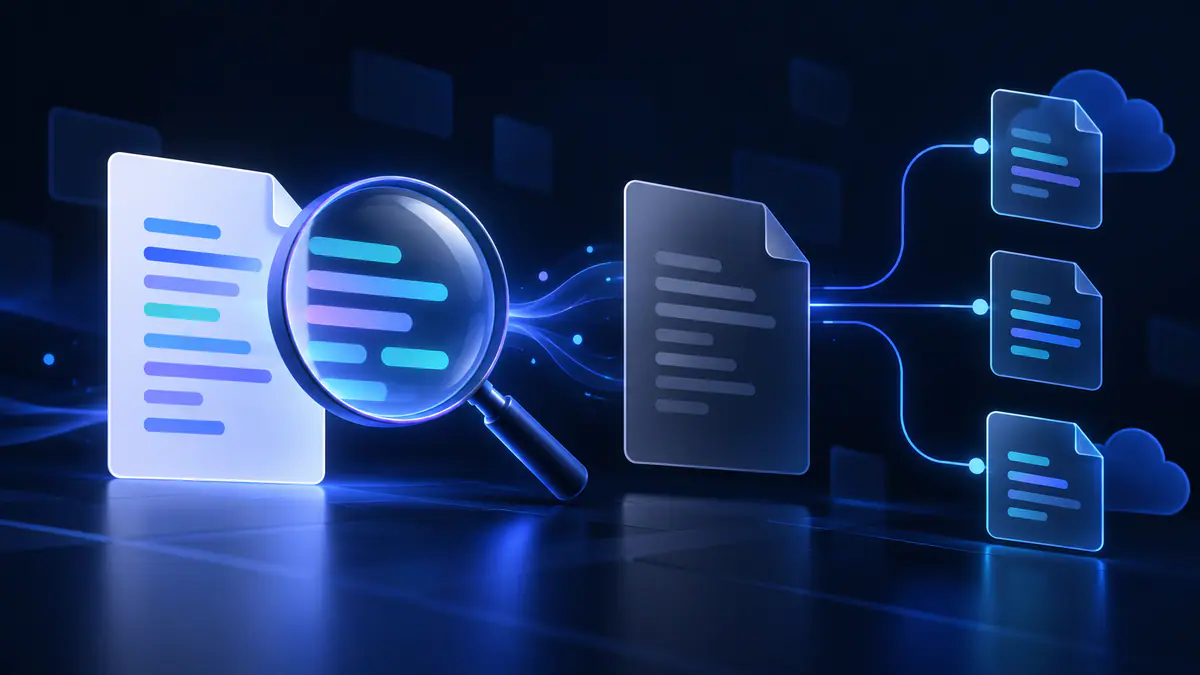
Review a listing by checking its public source text, attribution, and date. You can record what those show without executing an exploit. Stop if a page asks for credentials, a cookie, a downloaded program, or a purchase to reveal the supposed source.
- Identify the artifact. Record whether the page offers text, a remote-loader reference, or a program download. Write down which of those three you found. The common mistake is treating all three as the same script.
- Identify the attributed source. Compare the listed owner and repository with the evidence provided by the index. You should be able to name the owner, repository, and page connecting them. A copied name or similar avatar does not establish the relationship.
- Read the status and date together. Note the checked target and what the label means. Record the date beside the target URL so you can see what the status actually covers. Avoid treating a historical fetch as a statement about today’s remote contents.
- Look for unresolved dependencies. Determine whether the visible text fetches more code and whether those targets were inspectable. List any linked files whose contents remain unknown. A readable first file does not complete the review.
- Separate claims from observations. Mark uploader promises as claims and text-fetch findings as observations. For example, write “the uploader claims” beside a feature promise and “HTTP 200” beside a successful fetch. Popularity, a feature list, or an access-key claim cannot fill a missing security finding.
- Record the decision and unanswered questions. Decline any action that requires secrets, suspicious installation, or exploiting an experience. Write down what you checked and what you still cannot establish. Running code to settle an uncertainty creates the exposure being investigated.
The script source verification guide provides the attribution workflow in more detail. A repeated loader on several websites may still trace back to the same unverified source; repetition is not independent corroboration. Compare the underlying owner and target URL across pages. Five pages repeating one uploader’s claim still give you only that claim.
A report about a suspicious listing should include the public page URL, the claimed source, the visible concern, and the date observed. Use our listing report form for index corrections, and redact account secrets from any evidence. Account compromise needs a separate response through Roblox.
What should you do after a suspected compromise?#
Suspected account compromise means you should stop the script-related interaction and follow Roblox’s recovery guidance. A symptom such as an unfamiliar purchase or lost access does not by itself identify which file caused the problem. Secure the account first, and describe what you observed separately from what you suspect caused it.
Roblox’s hacked-account guidance recommends removing suspicious off-site downloads or extensions, resetting the password, and enabling authenticator-based two-step verification. Use that guidance directly for recovery rather than instructions from the download page. Account restoration or recovery of lost items is not guaranteed.
- Stop the exposure. Close the suspicious flow and stop following its installation or verification instructions. Do not provide additional information to someone promising a repair.
- Address the device concern. Follow Roblox’s advice about suspicious downloads and extensions. For a downloaded executable, ask a trusted adult or device-support professional for help if removal and device checks are beyond your experience.
- Recover through Roblox. Open Roblox Support independently and follow the account-recovery instructions. Keep account-access information out of public comments and script-report forms.
- Document the incident. Save public URLs, approximate event times, and relevant transaction records without saving or sharing exposed secrets. Separate a record of the download from a claim that its contents caused theft.
Parents and guardians can help keep recovery requests factual: what was downloaded, what information was entered, and what account changes were observed. A downloaded file, disclosed cookie, and unwanted purchase are different facts and should be reported separately. No public discussion needs the password, cookie value, or verification code.
Keep the recovery record factual. The same habit helps you judge future listings before sharing information or downloading anything.
A practical decision for Roblox script safety#
Roblox script safety starts with a practical decision: stop when a listing asks for account secrets, an unexplained installer, or a purchase to reveal its source. A reachable URL is an availability observation. A readable file offers visibility. A static screen records the absence of selected patterns in fetched text. None removes account-sanction risk or certifies an executable downloaded elsewhere.
A listing that requires secrecy about its source, requests authentication material, or substitutes an installer for inspectable text leaves fundamental questions unanswered. Decline those requests rather than seeking a different way to activate the same claim. Source inspection can support research without proceeding to execution.
Roblox developers researching protection should follow the Creator Hub’s security and cheat mitigation tactics. Roblox places critical validation and decisions on the server because client-controlled state cannot establish trust. That development guidance concerns protecting an experience; it does not authorize exploiting someone else’s game.
Before trusting a listing, ask four questions: who controls the source, how much code is visible, what Roblox rules apply, and what the download asks of your device. Keep unanswered questions visible in your comparison. A dated status helps you understand a listing; a promotional promise cannot fill the gaps.